Guides
What to Put on a Portfolio Website: A Practical Checklist

Quick answer: A portfolio website needs a clear headline about what you do, three to six case studies, a short about section, a way to contact you, and your name and specialty in the page title. Everything else is optional.
Most portfolios try to show everything. The best ones show just enough for the right client to say yes.
Key takeaways
Say what you do in the first line
Quality of projects beats quantity
Every project needs context, not just images
Make contacting you effortless

The must-haves
Headline: your role and who you help, like “Brand designer for food and drink startups”
Selected work: three to six projects
Case studies: problem, process, outcome, plus images
About: a short bio and a real photo
Contact: email, form or booking link, visible from every page
Page titles: your name and specialty, for search
Nice to have
Client logos or testimonials
A list of services
A short note on availability
Links to Dribbble, Behance or LinkedIn
What to leave out
Every project you have ever done
Skill bars and percentage charts
Long lists of tools
Stock photos
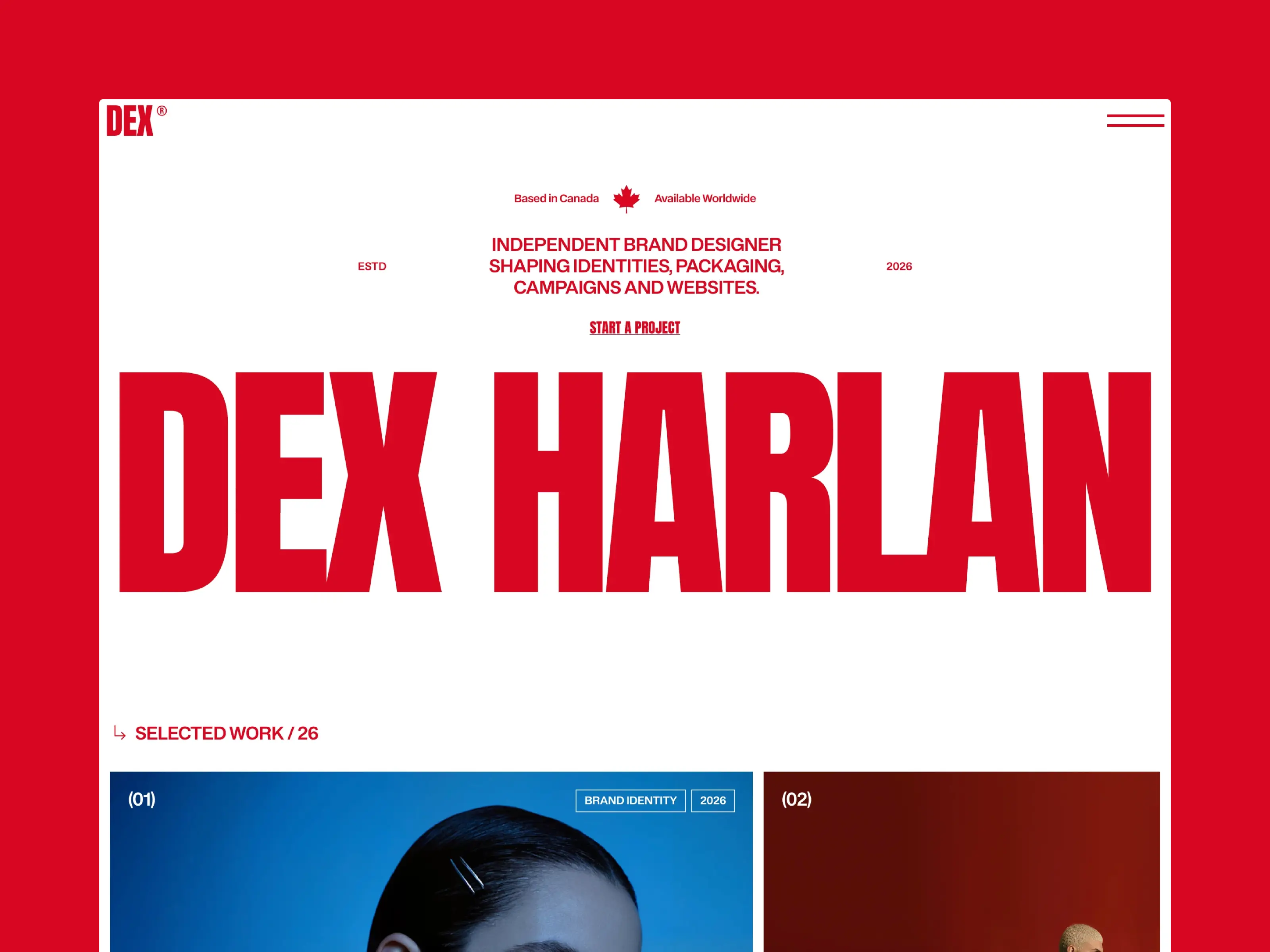
Use a template to skip the structure work
Free portfolio templates like Ruhani Sethia, Dex Harlan and Calder already include these sections in the right order. You add the content and publish.
FAQ
How long should a case study be?
Two to five short paragraphs plus images. Enough to explain your thinking without becoming an essay.
Should I include personal projects?
Yes, if they show the kind of work you want to be hired for.
Do I need a blog on my portfolio?
No. Only add one if you will keep it up.

Written by
Chayan Panda
Independent designer and Framer developer. I design, build and maintain every template on chayan.studio.


